
Connect Facebook & Instagram Lead Ads to Zoho CRM Using LeadChain

Approach
1. Connect Facebook & Instagram Lead Ads to Zoho CRM
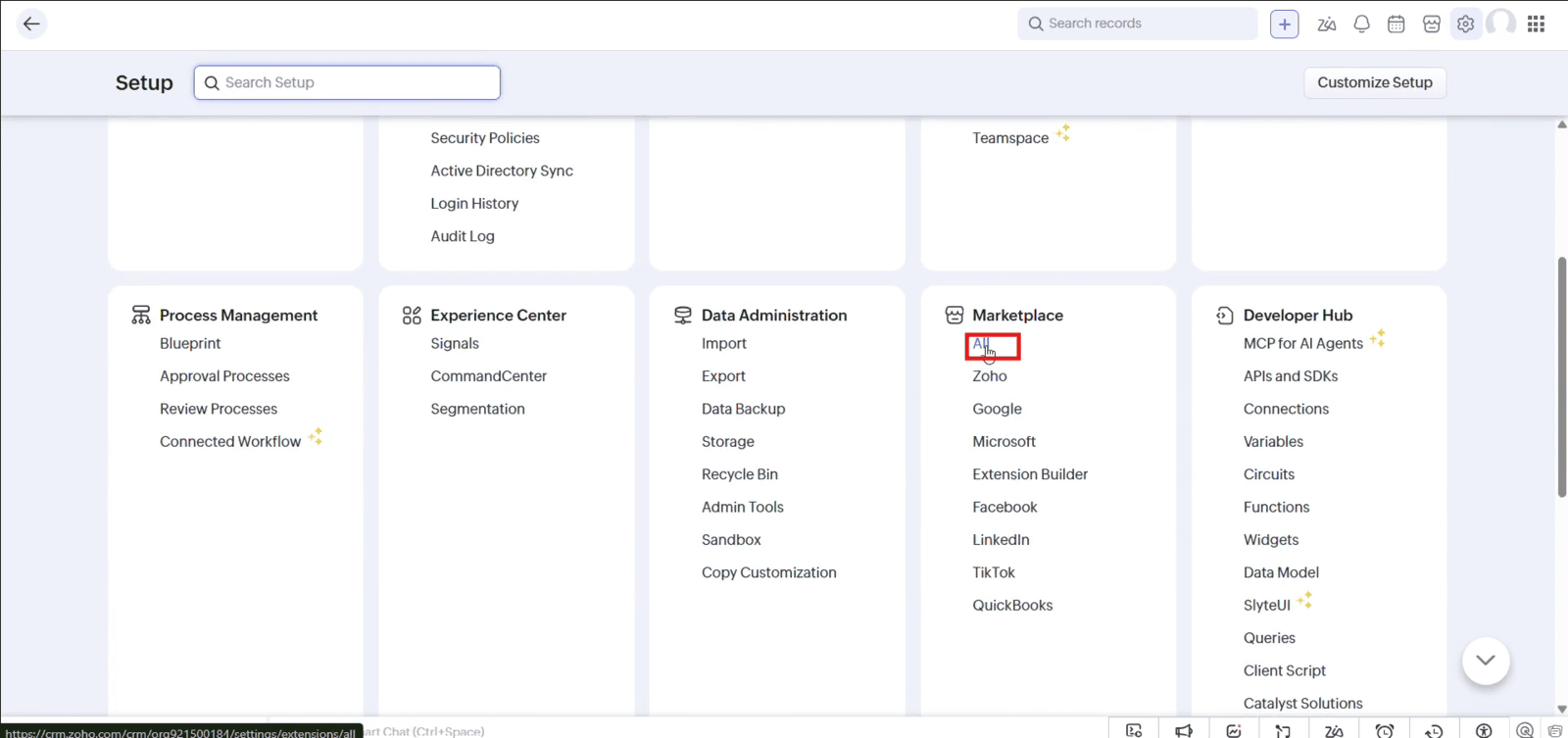
1.1 Navigate to "Setup" and click "All" under Marketplace
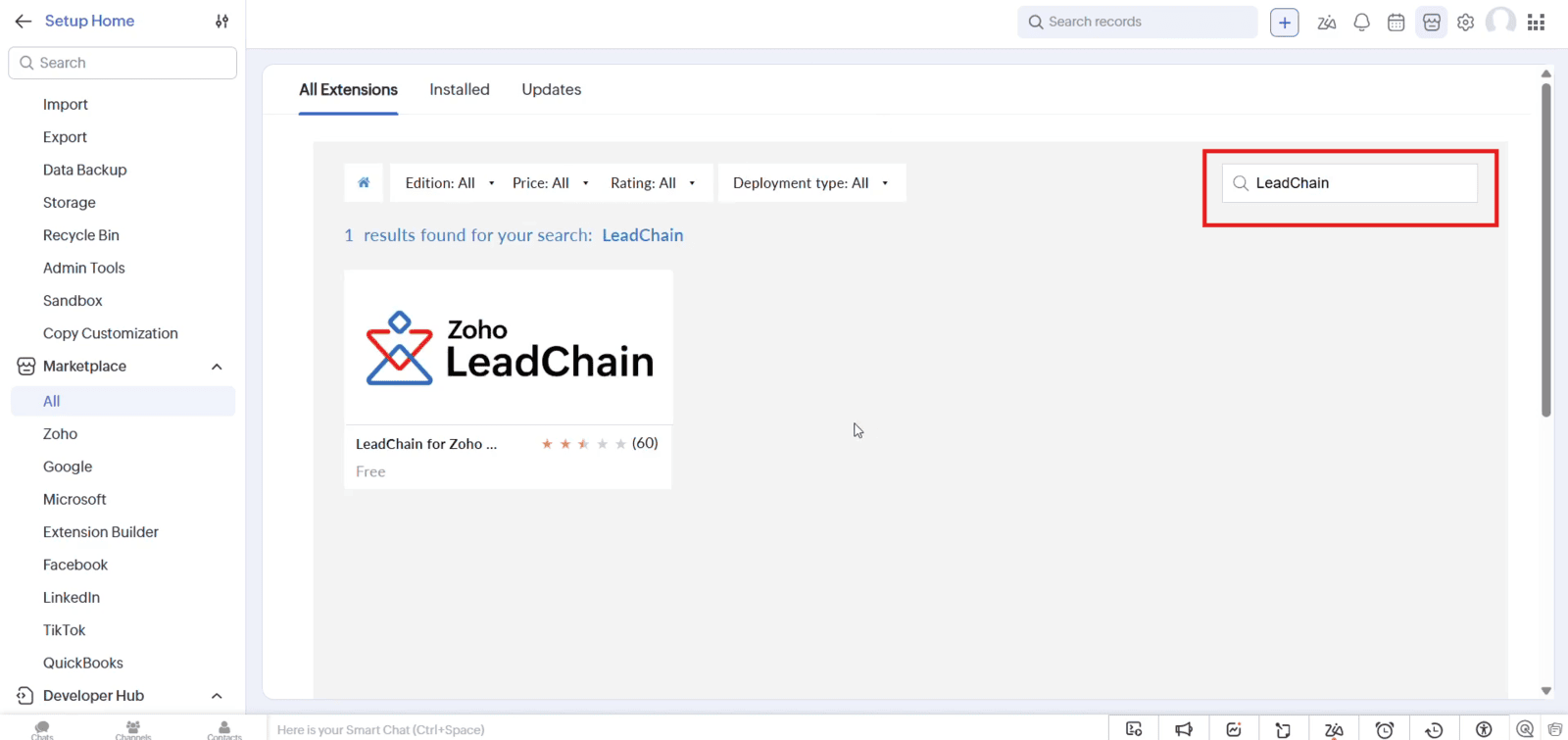
1.2 Search for "LeadChain" in the Marketplace and open the extension
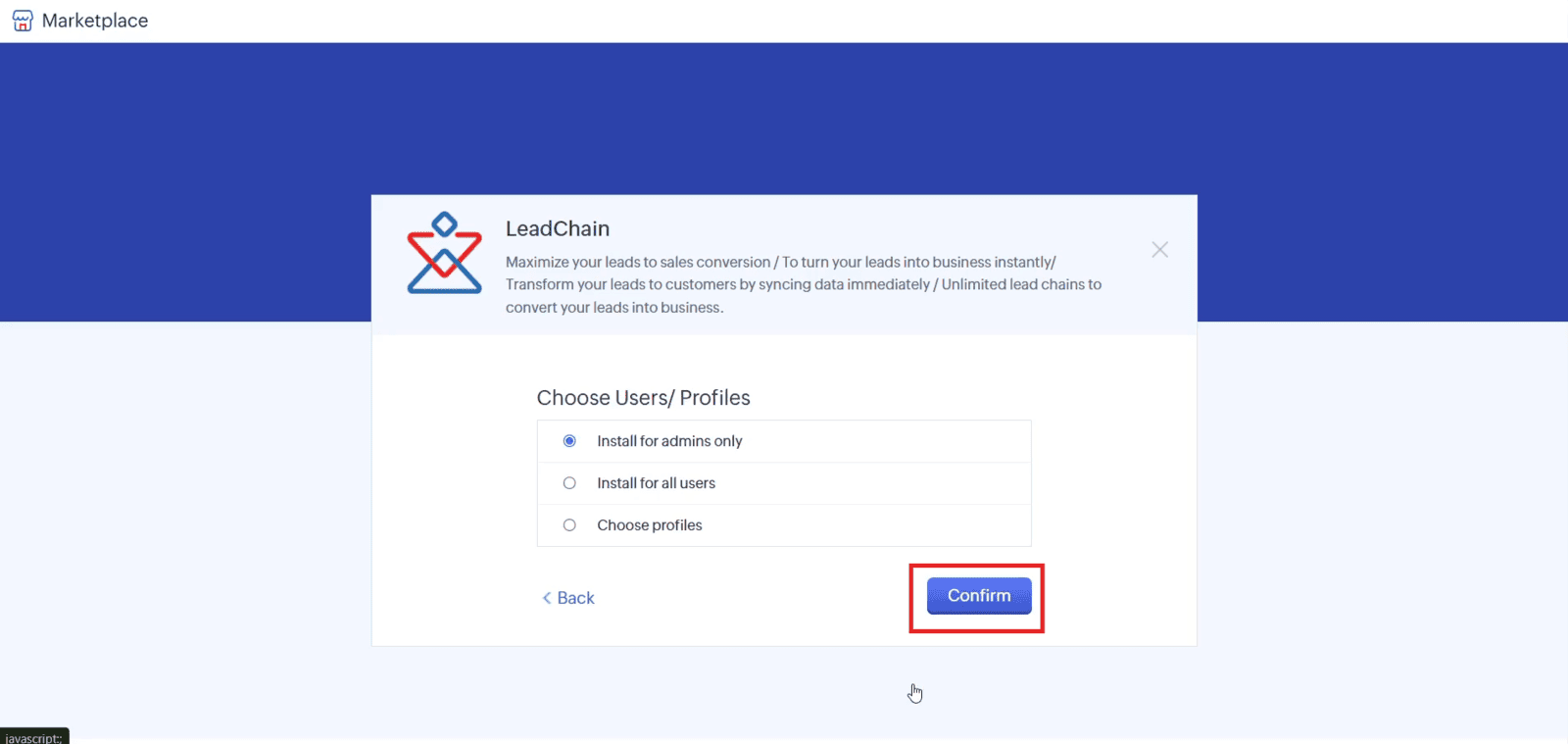
1.3 Select "Install for admins only" or the required user profile, then click "Confirm"
1.4 Open LeadChain settings, create a new lead chain, and select "Facebook and Instagram Lead Ads" as the source and "Zoho CRM" as the destination
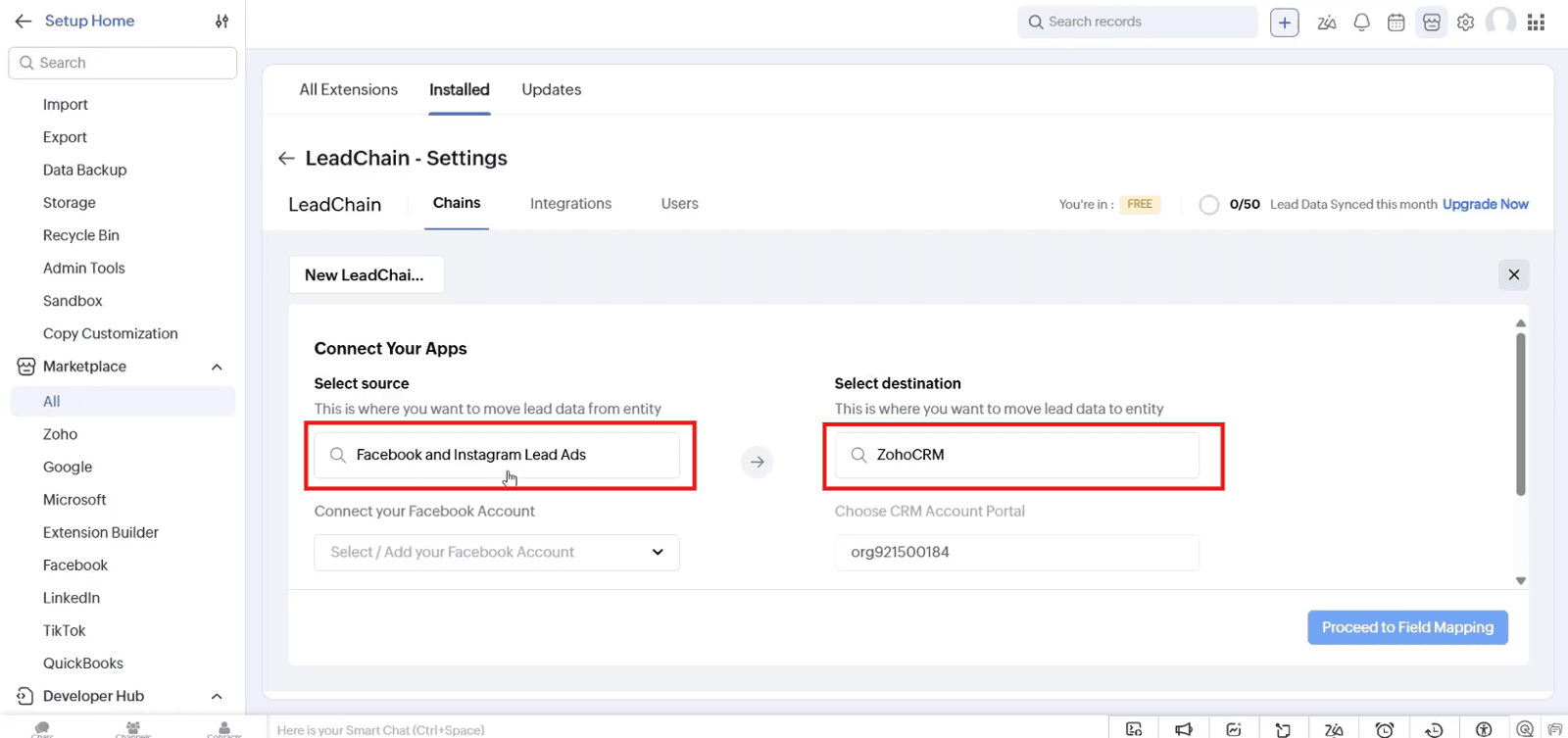
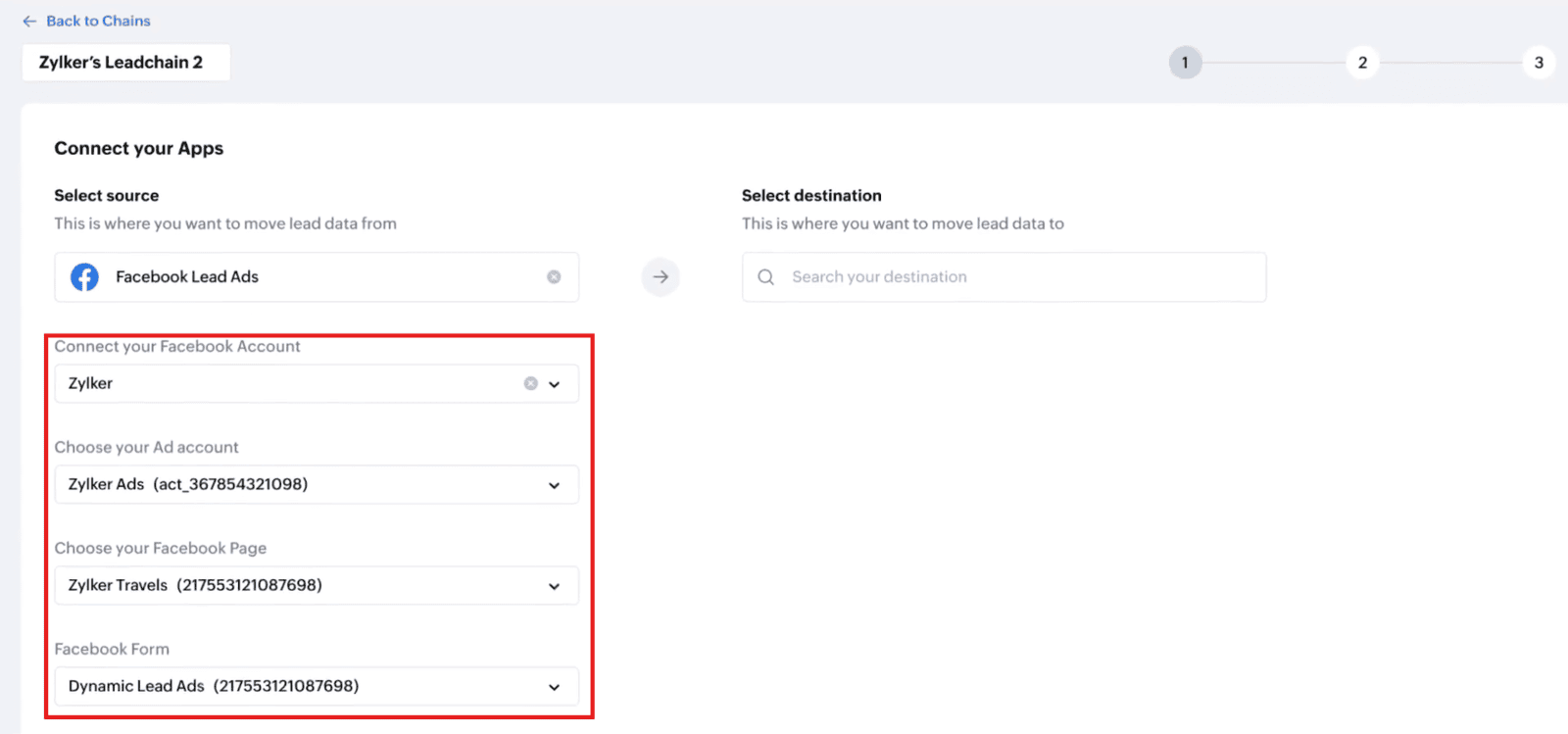
1.5 Connect your Facebook account and select the "Ad Account," "Facebook Page," and "Facebook Form"
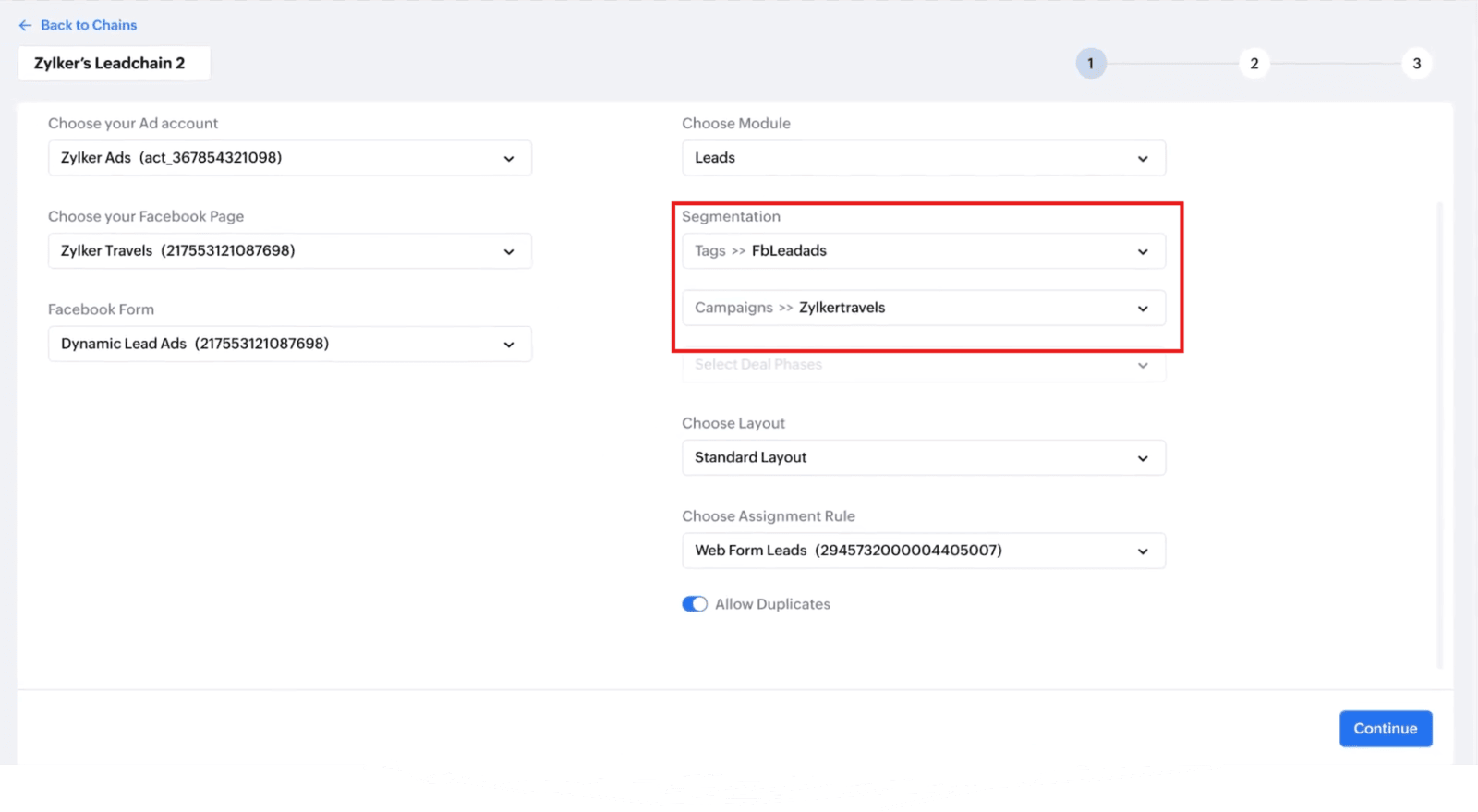
1.6 Select the CRM module and configure the required "Tags," "Campaigns," and "Layout." Click "Continue"
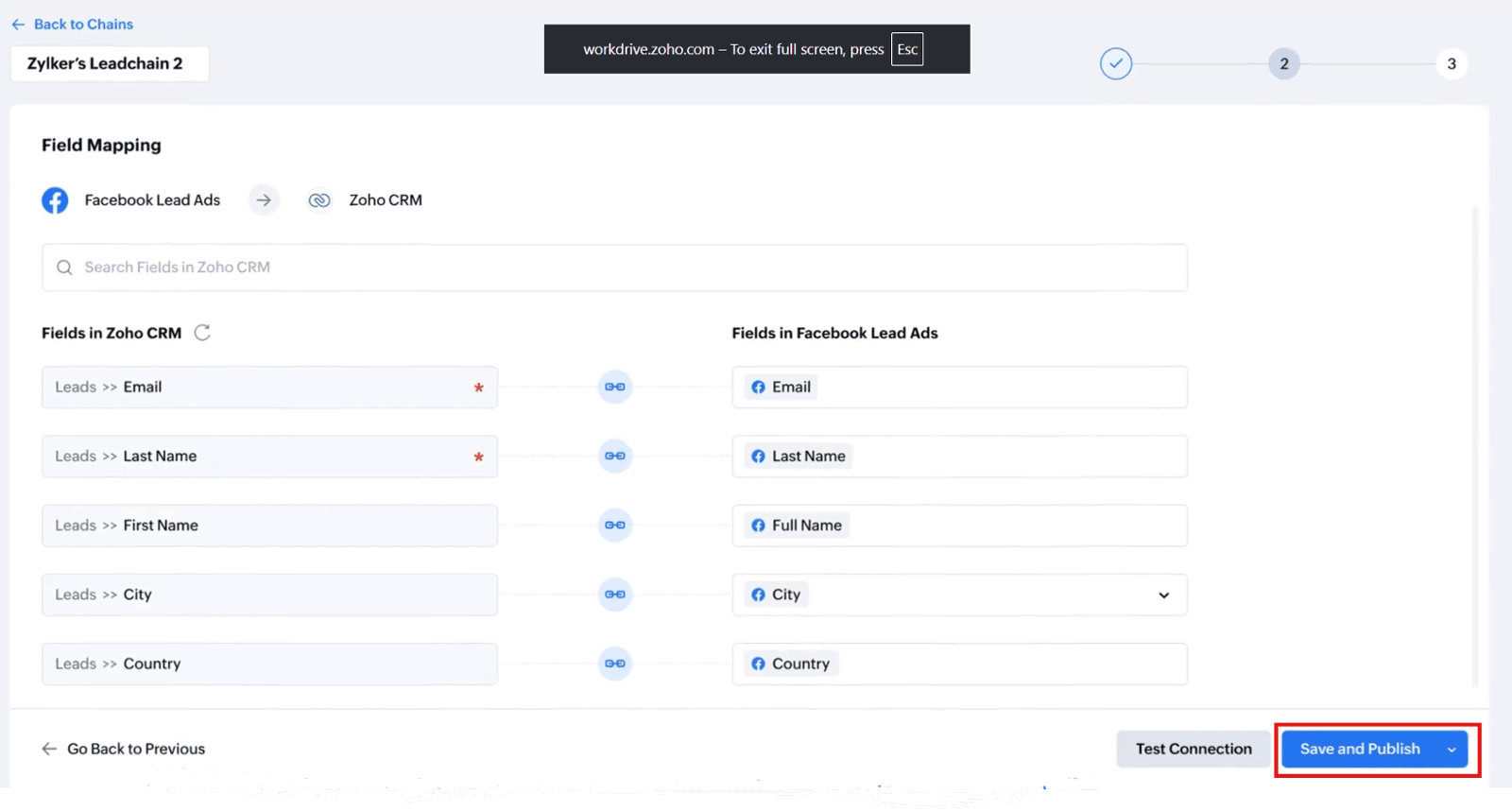
1.7 Map the Facebook Lead Ads fields to the corresponding Zoho CRM fields, ensuring the required fields are mapped correctly
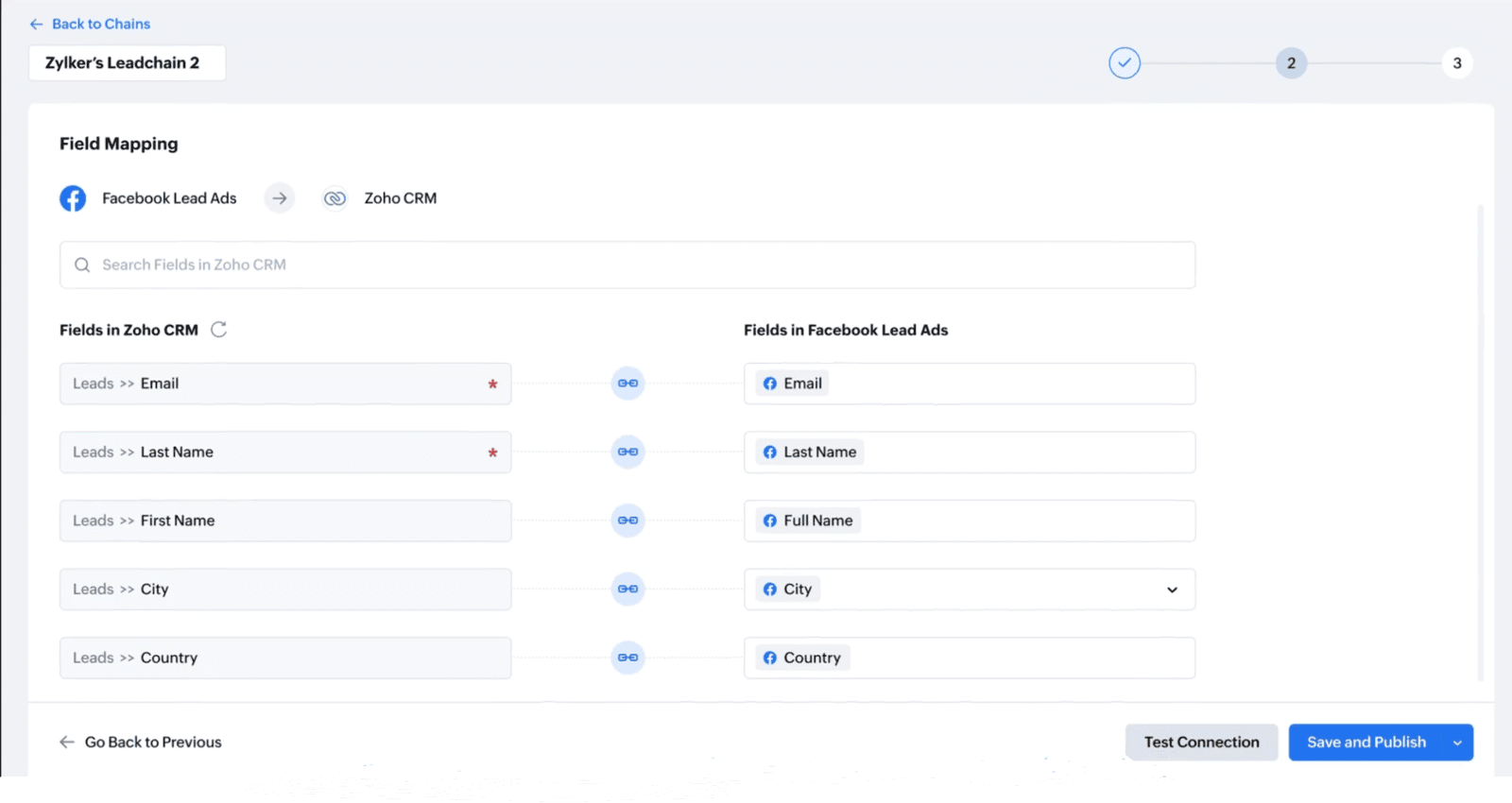
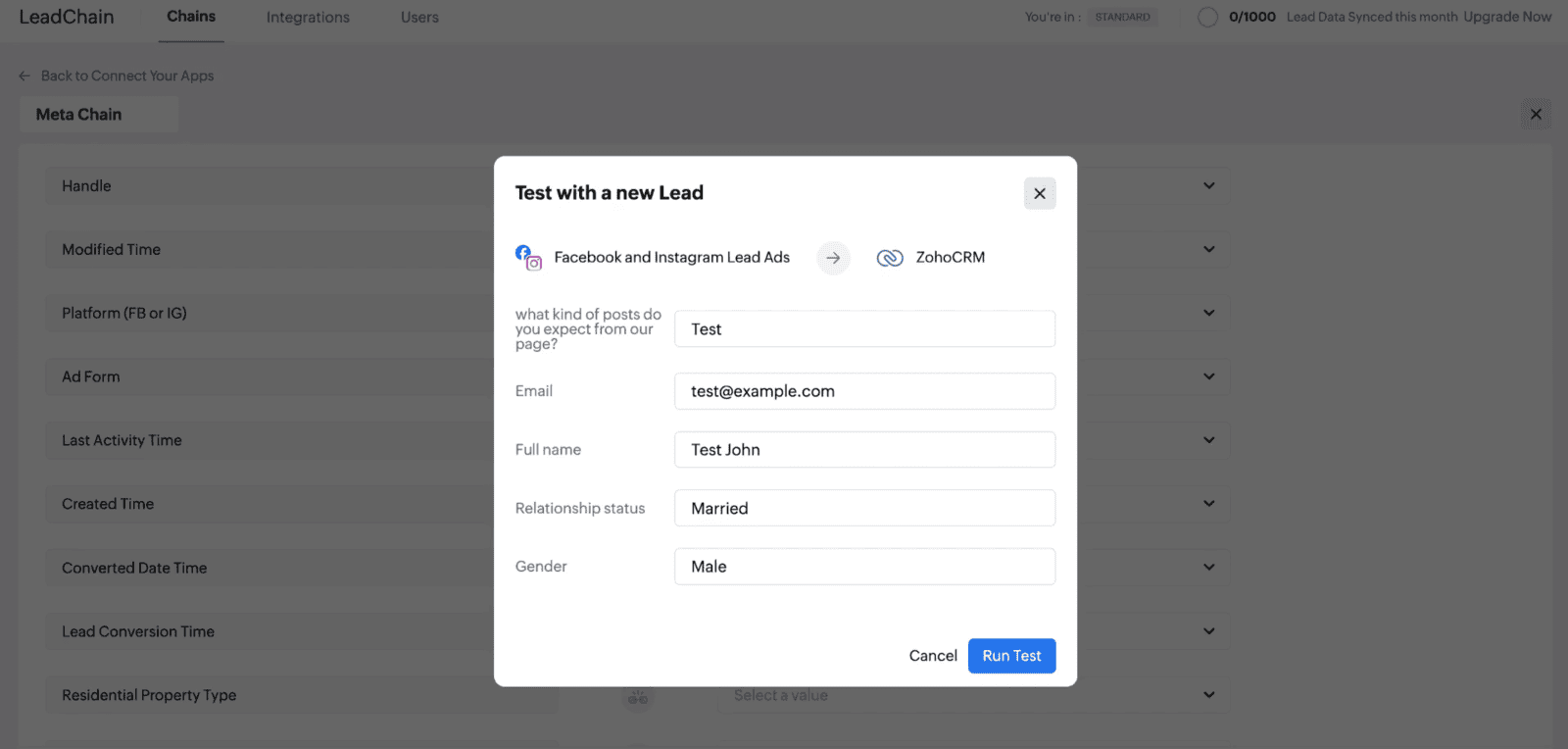
1.8 Click "Test Connection" to verify the setup
1.9 If successful, click "Save and Publish" to activate the lead chain
Video: Connect Facebook & Instagram Lead Ads to Zoho CRM Using LeadChain
Here is the video explanation of the above steps.


